



The Kavkom telephone system provides full real-time visibility and control, including two-way listening, prompting or coaching, the ability to communicate with the caller without the employee hearing it, and the option to join the conversation in conference mode.
Access the Phone Directory
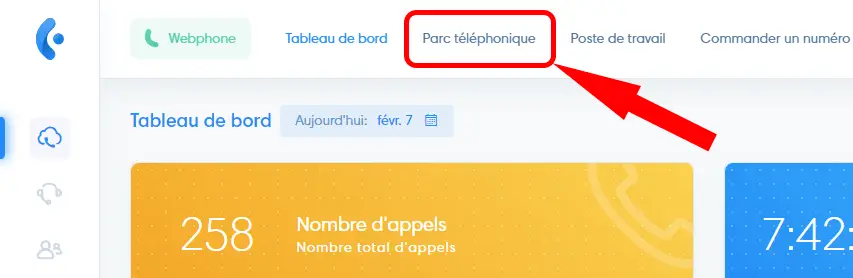
To access it, click “Phone Fleet” in the top menu.
Tools
- Automatic Refresh (check this box to enable real-time updates) and Show only active items or all items, including inactive ones.
- Display the roles of users in one or more groups (see the article “User Groups“).
- Positions
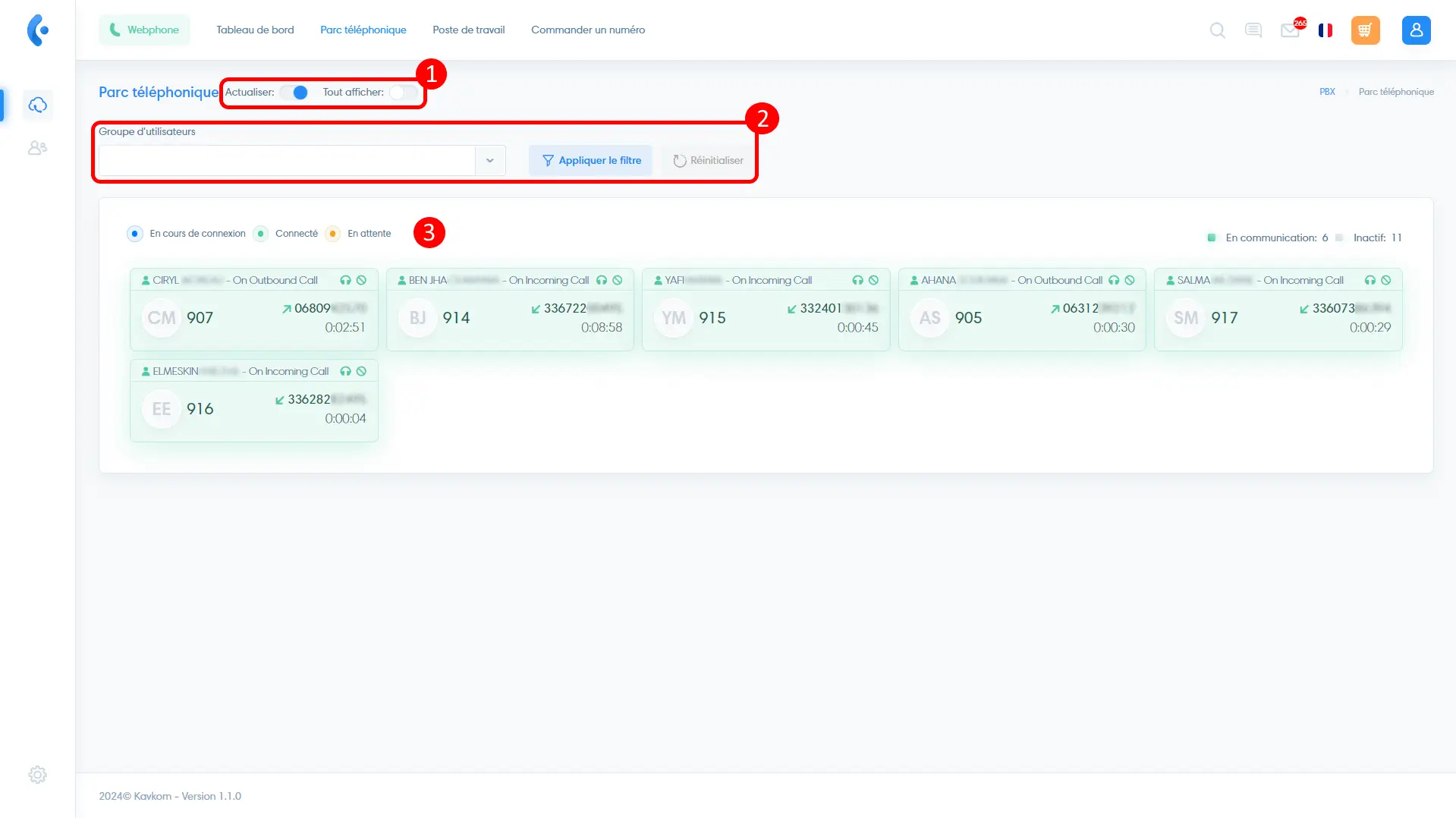
Item Thumbnails
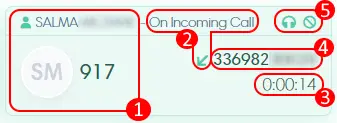
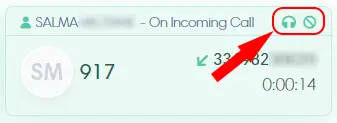
Here is the information displayed on a job listing:
- User Information (Name and Extension Number)
- Call type (incoming, outgoing, local)
- Call duration
- Caller identification (phone number or extension)
- Monitoring actions (see below)
Supervisory Activities
Open your Webphone or the Kavkom Phone app. If you don’t have a Kavkom line, you can get one for free to take advantage of the monitoring features by contacting our technical support.
To listen in on the call discreetly, click the “headphones” icon; you’ll then receive a call that you can answer to listen in.
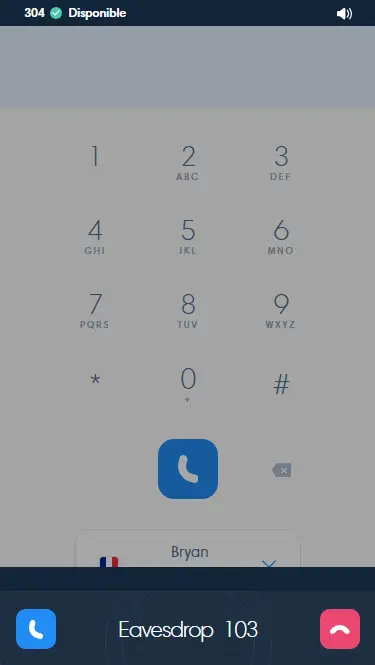
Next, press the following keys:
- 1 to speak with the caller without your agent hearing
- 2 to put the call on hold and speak with the agent without the other party hearing
- 3 to join the call in conference mode
- 0 to return to silent listening
On the thumbnail, you can also end the call by tapping the icon with a line through it.
Hang up to disconnect the monitoring connection.
